From disaster recovery planning to 24/7 backup monitoring, we provide end-to-end business continuity solutions to keep your operations resilient.
Disaster Recovery Planning
Comprehensive DR plans tailored to your business operations and risk profile
Business impact analysis (BIA)
Recovery time objective (RTO) definition
Recovery point objective (RPO) definition
Disaster recovery playbooks and runbooks
Annual DR plan updates
Backup & Recovery Solutions
Multi-tiered backup architecture with cloud and local redundancy
Automated daily backups (on-site + cloud)
Immutable backup storage (ransomware protection)
15-minute backup monitoring and alerts
Monthly backup integrity testing
Bare-metal and file-level recovery
Business Continuity Planning
Holistic BCP covering people, processes, and technology
Business continuity plan (BCP) development
Critical business function identification
Alternate work site planning
Communication and escalation procedures
Annual BCP review and updates
Ransomware Recovery
Rapid ransomware detection, containment, and recovery services
Ransomware-specific recovery procedures
Isolated backup environments
Forensic investigation and root cause analysis
Post-incident security hardening
Cybersecurity insurance coordination
High Availability Solutions
Redundant infrastructure to minimize downtime and maximize uptime
Redundant server and network configurations
Failover clustering for critical systems
Load balancing and traffic management
Geographic redundancy (multi-site)
99.9%+ uptime SLA for critical systems
DR Testing & Validation
Regular testing to ensure your DR plan works when you need it
Quarterly tabletop exercises
Semi-annual technical DR tests
Annual full-scale DR simulation
Test results documentation and reporting
Gap analysis and remediation planning
How Fast Can We Get You Back Online? Real Examples.
Every minute of downtime costs money. Here's exactly how fast we restore your critical business systems after a disaster—with real recovery times and strategies we use.
Your System
Back Online In
Maximum Data Loss
How We Protect It
Email & Communication
1-2 hours
15 minutes
Cloud-hosted Microsoft 365 with 99.9% uptime SLA and continuous replication
ERP / Accounting System
4 hours
1 hour
Database replication to secondary site with automated failover and hourly backups
File Shares & Documents
2-4 hours
4 hours
Real-time sync to cloud storage (OneDrive/SharePoint) with versioning and point-in-time recovery
CRM (Salesforce, HubSpot)
2-3 hours
30 minutes
Cloud-native SaaS with geographic redundancy and automated backups every 30 minutes
Manufacturing Systems / MES
6-8 hours
2 hours
Hot standby servers with synchronized databases and automated production data backups
CAD / Engineering Software
4-6 hours
4 hours
Local workstation backups plus cloud sync for project files; priority restoration for active projects
VoIP Phone System
1 hour
N/A
Cloud-based phone system with instant failover to mobile devices and call forwarding
Security Cameras / Access Control
2-4 hours
1 hour
Local recording with cloud backup; priority restoration for active recording systems
Payroll / HR Systems
8 hours
24 hours
Weekly backups with expedited recovery during payroll processing periods (bi-weekly priority)
Internal Applications
8-24 hours
24 hours
Daily backups with cloud-based disaster recovery as a service (DRaaS) for rapid rebuild
What Downtime Actually Costs
According to Gartner, the average cost of IT downtime is $5,600 per minute—that's $336,000 per hour.
•1 hour down = $336K in lost revenue, productivity, and customer trust
•4 hours down = $1.34M + potential contract penalties for missed SLAs
•24 hours down = $8M+ plus reputation damage that can take years to recover
DR Isn't an Expense—It's Insurance
A comprehensive DR plan costs a fraction of a single day of downtime. Here's what you're really paying for:
Peace of mind: Sleep well knowing your business can survive any disaster
Customer trust: Prove to clients you take their data seriously
Compliance: Meet CMMC, NIST 800-171, and insurance requirements
Competitive advantage: Win contracts that require proven BC/DR capabilities
What RTO/RPO Is Right for Your Business?
The answer depends on your industry, compliance requirements, and how much downtime your business can afford. During our Business Impact Analysis (BIA), we'll help you define appropriate RTO and RPO targets for each critical system—and design a DR solution that meets them.
Frequently Asked Questions
Common questions about disaster recovery and business continuity planning
What's the difference between RTO and RPO?
Recovery Time Objective (RTO) is how long it takes to restore a system after a disaster. Recovery Point Objective (RPO) is how much data you're willing to lose (time between backups). For example, RTO of 4 hours means the system is back online in 4 hours; RPO of 1 hour means you lose at most 1 hour of data since the last backup.
How often should we test our disaster recovery plan?
We recommend quarterly tabletop exercises (scenario walkthroughs), semi-annual technical tests (backup restores, failover validation), and annual full-scale DR simulations (complete system recovery). Regular testing ensures your team knows their roles and your technology works when needed.
Can you help us recover from a ransomware attack?
Yes. Our ransomware recovery services include immediate incident response, forensic investigation, malware removal, clean backup restoration, and post-incident security hardening. We also coordinate with your cybersecurity insurance provider and, if needed, law enforcement (FBI).
What is immutable backup storage?
Immutable backups are 'write-once, read-many' (WORM) backups that cannot be modified or deleted—even by ransomware or malicious insiders. We implement immutable cloud backups to guarantee clean recovery data is always available.
Do you offer Disaster Recovery as a Service (DRaaS)?
Yes. Our DRaaS offering uses cloud-based infrastructure to replicate your critical systems. In a disaster, we can spin up virtual replicas of your servers in the cloud within hours—much faster and cheaper than traditional hot-site DR solutions.
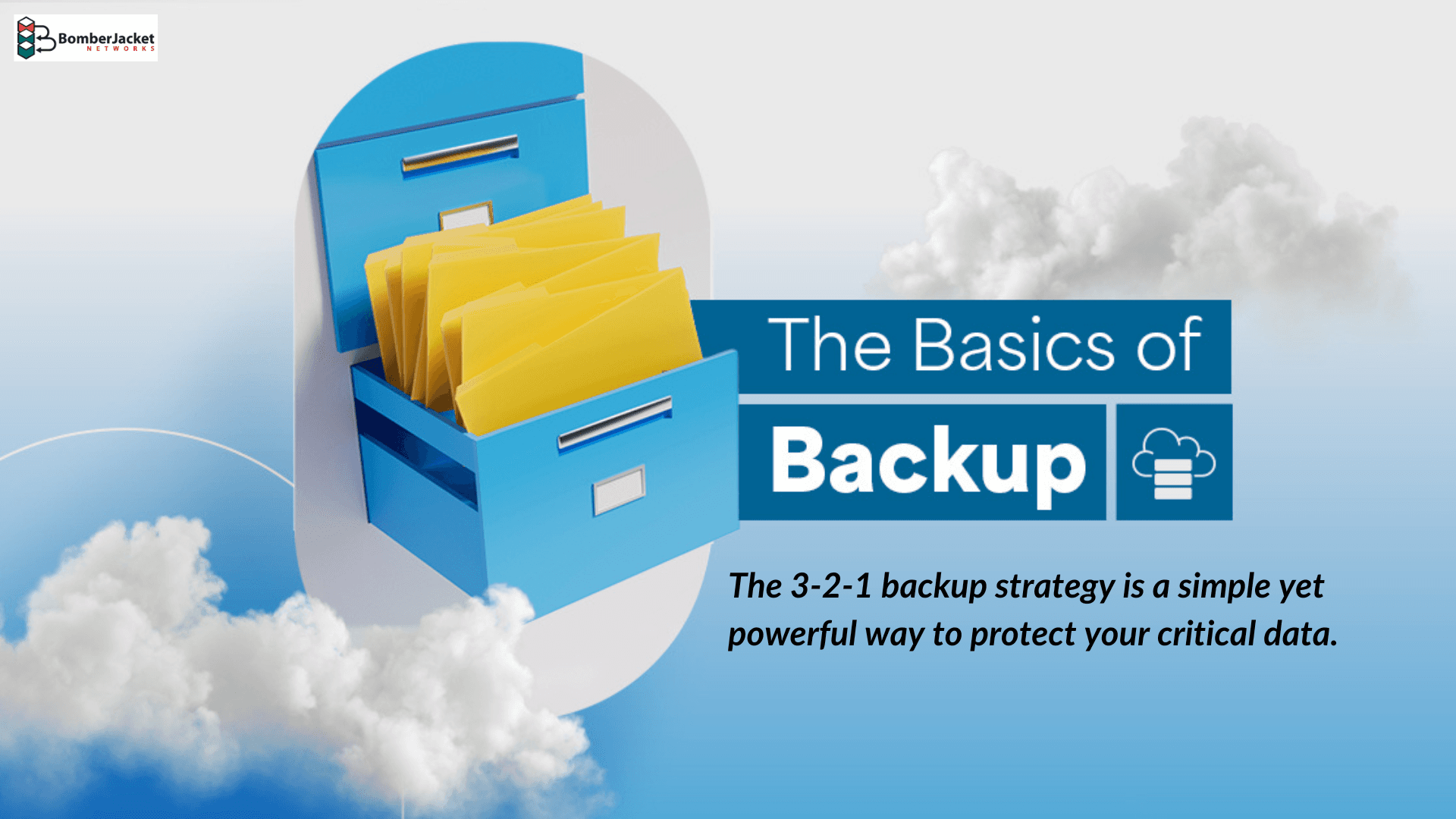
Learn how the 3-2-1 backup strategy protects your business from data loss, minimizes downtime, and ensures business continuity. Discover why three copies, two storage types, and one offsite backup are essential.
Schedule a free disaster recovery consultation to assess your current backup strategy, identify gaps, and build a plan that keeps your business running—no matter what happens.